Cash App Guide 2026: 9 Smart Ways to Send, Save, and Grow Money
If you have ever split a dinner bill, paid rent to a roommate, or received a quick refund from a friend, you have probably brushed up against peer-to-peer payments. This Cash App guide walks you through everything a modern spender needs in 2026, from sending your first payment to turning the app into a lightweight checking and investing hub. Cash App, built by Block, Inc., now serves well over 50 million monthly active users, and the features have grown far beyond simple transfers.
The goal here is practical: fewer surprises, lower fees, and more control over your money. Whether you are brand new or you have used the app for years, these nine strategies will help you get more out of every tap.
What Is Cash App and How Does It Work?
Cash App is a mobile wallet that lets you send and receive money using a unique username called a $Cashtag. Link a debit card or bank account, choose an amount, and the transfer clears in seconds for the recipient. Underneath that simple flow sits a surprisingly deep toolkit.
Once you verify your identity, you unlock a free debit card (the Cash Card), direct deposit, savings, Bitcoin, and stock trading. Think of it less as a single-purpose transfer app and more as a slim mobile bank you can run from one screen.
The core building blocks
- Balance — the money sitting inside the app, usable instantly.
- Cash Card — a customizable Visa debit card tied to that balance.
- Direct deposit — route a paycheck in and often get paid up to two days early.
- Savings — a separate pocket that can earn interest when you have an active Cash Card and qualifying deposits.
- Investing — buy fractional shares of stock or Bitcoin with as little as a dollar.
Setting Up Your Account the Right Way
A clean setup saves headaches later. Download the app, enter your phone number or email, and confirm the login code. Add your real legal name during verification because mismatched details are the top reason transfers get held.
Next, link a funding source. A linked bank account usually costs nothing to use, while an instant transfer from a linked credit card carries a fee. For day-to-day activity, I keep a small buffer in the balance and top it up from a checking account, which keeps most transactions completely free.
Lock down security first
Before you move a single dollar, turn on the security PIN or biometric lock, enable transaction notifications, and confirm your $Cashtag is spelled exactly how you want it. Cash App supports two-factor sign-in, and the U.S. Federal Trade Commission recommends enabling it on any account that moves money. You can review its guidance on recognizing and avoiding phishing scams so you never hand over a login code to a stranger.
Sending and Receiving Money Without Fees
The everyday use case is person-to-person transfers, and these are free when funded by a balance or linked bank. Enter an amount, pick a recipient by $Cashtag, phone, or email, add an optional note, and confirm.
Receiving is just as simple. Share your $Cashtag, and anyone can pay you. Standard deposits to your bank are free but take one to three business days; an Instant Deposit moves money immediately for a small percentage fee. Plan ahead and you rarely need to pay for speed.
Watch these fee triggers
| Action | Typical Cost | How to Avoid It |
|---|---|---|
| Send via linked credit card | 3% fee | Fund with balance or bank instead |
| Instant Deposit to bank | 0.5%–1.75% | Use the free standard deposit |
| ATM withdrawal | Flat fee per use | Set up qualifying direct deposit for reimbursements |
| Bitcoin buy/sell | Spread + fee | Compare before confirming larger trades |
Turning Cash App Into a Budgeting Tool
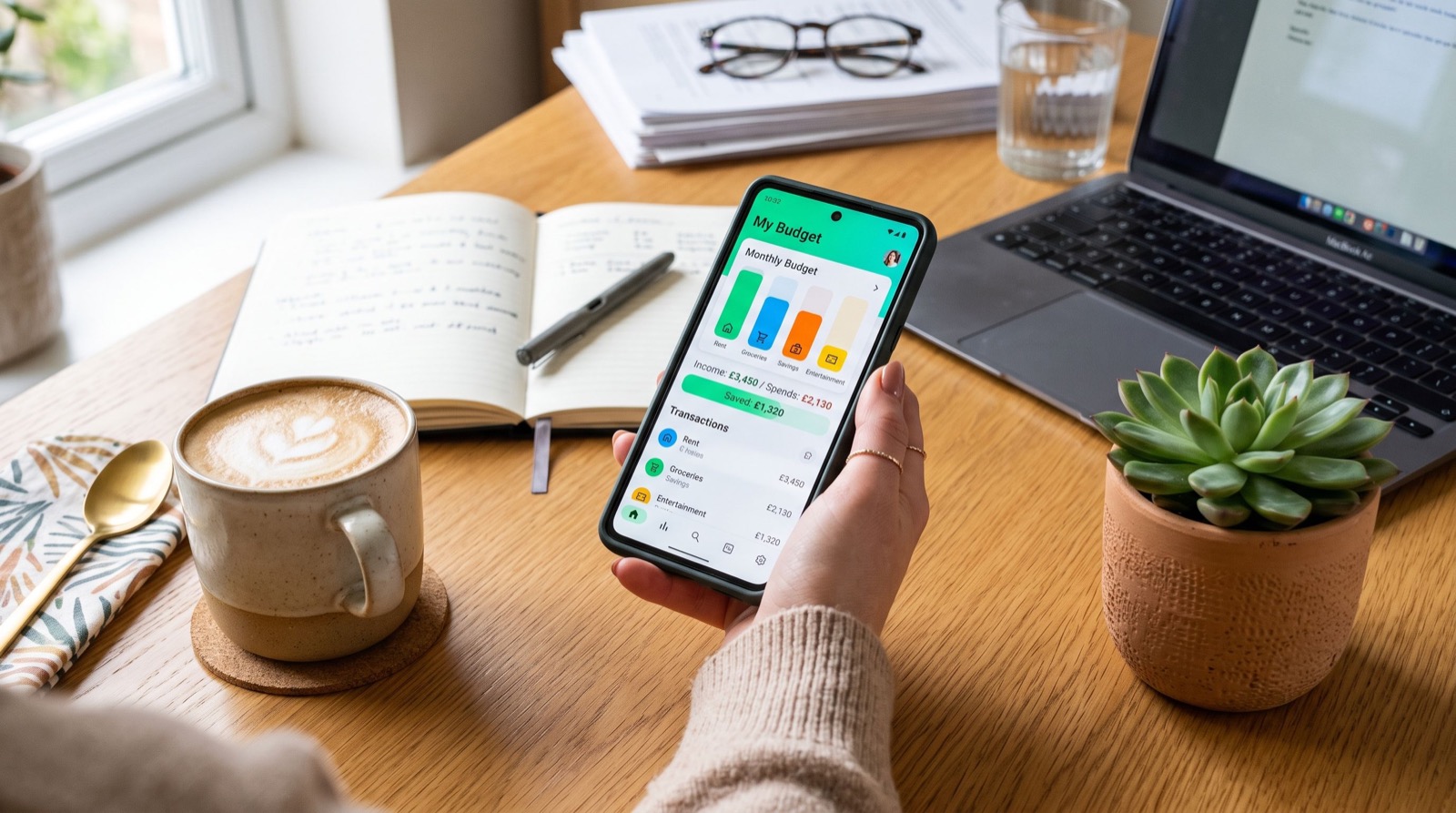
This is where the app quietly shines. Route your paycheck through direct deposit, then move a fixed slice into Savings on payday before you can spend it. Automating that transfer is a classic “pay yourself first” habit that beats willpower every time.
Pair the Cash Card with Boosts, which are instant discounts at specific merchants like coffee shops, grocery stores, or ride services. Stacking a Boost on a purchase you were already making trims real money from your monthly spending without any coupon hunting.
A simple weekly routine
- Check your balance and recent activity every Sunday.
- Sweep leftover spending money into Savings.
- Review which Boosts are active and swap in better ones.
- Flag any charge you do not recognize and dispute it fast.
If you want to compare Cash App against the wider field, it helps to read reviews of the best money apps before committing your whole financial life to one platform. Diversifying across a couple of trusted tools keeps you flexible.
Is Cash App Safe for Everyday Spending?
For normal transfers between people you know, Cash App is as safe as any mainstream wallet, provided you guard your login. The biggest risk is not a hack; it is social engineering. Scammers pose as support agents, prize administrators, or buyers who “accidentally” overpay.
Protect yourself with a few firm rules: never send money to claim a prize, never share a verification code, and only send to people you can personally verify. When you hire help online, route payment only to quality service providers you have vetted, not to a random $Cashtag dropped in a comment thread.
Growing Money With Savings, Stocks, and Bitcoin
Once the basics feel automatic, explore the growth features. Savings can earn interest when you meet the activity requirements, and even a modest rate beats letting cash sit idle. Investing lets you buy fractional shares, so a five-dollar stake in a large company is perfectly normal.
Treat Bitcoin as a small, optional slice of a diversified plan, never the whole plan. Prices swing hard, and you should only commit money you can afford to leave untouched for years. Keeping a reference like this trusted Cash App guide on hand helps you revisit the fundamentals whenever a new feature launches.
Frequently Asked Questions
Does Cash App charge monthly fees?
No. There is no monthly maintenance fee, no minimum balance, and no cost to open an account. You only pay situational fees, such as instant transfers, credit-card funding, or certain ATM withdrawals, all of which are avoidable with a little planning.
How long does a Cash App transfer take?
Transfers between users are nearly instant. Sending money to your linked bank is free and arrives in one to three business days, while an Instant Deposit is immediate for a small fee.
Can I use Cash App without a bank account?
Yes. You can add money at participating retailers or receive funds from other users, then spend directly with the Cash Card. Linking a bank is optional but makes free transfers and direct deposit much easier.
Is my money insured on Cash App?
Funds added to the Savings feature are held at FDIC-insured partner banks, which protects eligible balances. Your uninvested spending balance is not insured the same way, so avoid parking large sums there long term.
Final Thoughts
Used well, Cash App is far more than a way to split a tab. With a secure setup, free funding habits, Boosts, automated savings, and cautious investing, it becomes a genuine money hub. Return to this Cash App guide whenever you add a feature, keep your login private, and let small automatic habits do the heavy lifting throughout 2026.